Booking platform development for appointments, classes and rentals
Let customers book whenever they decide, and keep every calendar accurate without the phone tag.
A booking platform lets customers see real availability and reserve a time, class or rental on their own, day or night. We build the calendars, staff schedules, deposits and reminders around your rules, then connect them to the tools you already use.
One in-house team since 2015 · Free audit, no obligation
COMMON PROBLEMS WE FIX
Booking platform frustrations for owners and staff, solved step by step
Scheduling problems cost money quietly, through empty slots, double bookings and staff time on the phone. Here is what we build for each one.
01
“Our front desk spends half the day answering calls just to book appointments.”
WHAT WE DOWe build an online booking flow that shows live availability by service and staff member, collects the details you need, takes payment or a deposit and confirms by email and text.WHAT CHANGESPhones ring less for routine bookings, and the front desk can focus on people in the room.
02
“No-shows leave my staff standing around with nothing to do.”
WHAT WE DOWe add reminders by email and text before each visit with one-tap rescheduling, optional deposits or card holds, a waitlist that offers freed slots to others, and cancellation rules applied automatically.WHAT CHANGESFewer appointments are forgotten, and a late cancellation becomes an opening someone else can take.
03
“We keep double-booking rooms and equipment, and it embarrasses us in front of clients.”
WHAT WE DOWe model every resource that a booking needs, such as a staff member, room, chair or piece of equipment, so the system only offers times when all of them are actually free.WHAT CHANGESClashes are prevented before they happen, and staff stop apologizing for the schedule.
WHAT WE DOWe write your rules into the platform: packages and class passes that count down, membership pricing, buffer times between sessions, booking windows and cancellation fees, all adjustable from an admin screen.WHAT CHANGESThe software follows your policies, so staff no longer work around its limits by hand.
WHY IT MATTERS
Customers want to book at the moment they decide
People decide to book when it suits them: late in the evening, between meetings, on a phone in a parking lot. If the only option is to call during business hours or send a message and wait, many give up or book elsewhere. Meanwhile your staff juggle paper diaries, double bookings and no-shows that leave gaps nobody can fill at short notice.
A booking platform shows real availability for each service, staff member, room or item, takes a deposit if you want one, and sends reminders before the visit. Off-the-shelf schedulers suit simple cases. A custom platform makes sense when your rules are unusual, such as packages, group classes, rental inventory or several locations, or when bookings must flow into your CRM and accounting.
SIGNS YOU NEED THIS
Customers can only book by phone or email
No-shows leave paid staff with empty time slots
Your current scheduler cannot handle your booking rules
BENEFITS
What a custom booking platform changes for staff and customers
What changes for your business once it’s done properly.
✓01
Bookings at any hour
Customers reserve when it suits them, including evenings and weekends, so demand is captured while your doors are closed and staff are home.
✓02
Fewer empty slots
Reminders, deposits and a waitlist work together so forgotten appointments and late cancellations are less likely to leave paid time unused.
✓03
One accurate schedule
Staff, rooms, equipment and rentals share one calendar, so double bookings are blocked and everyone sees the same day plan.
✓04
Less admin for your team
Confirmations, reminders, payments and calendar updates happen automatically, which frees the front desk from repetitive calls and manual entry.
WHAT’S INCLUDED
What goes into our booking platform builds
01Booking flow and service setup
02Real-time availability and calendars
03Staff schedules, shifts and resources
04Deposits, payments and cancellation rules
05Email and text reminders
06Client accounts and booking history
07Calendar, CRM and accounting sync
08Admin dashboard and booking reports
TECHNOLOGY
Tools we build with.
React
Laravel
Google Calendar API
Stripe
Twilio
PostgreSQL
WAYS TO WORK WITH US
01Fixed-scope projectA defined scope, timeline and price. Best for MVPs, websites and well-defined builds.
02Dedicated teamEngineers, designers and QA working as part of your team on a monthly basis.
03Support retainerOngoing maintenance, upgrades and improvements with agreed response times.
“Our Google Ads campaigns were burning through budget with little to show for it. All In One Marketing Pro stepped in and completely revamped our strategy, targeting the right audience and optimizing our ads for conversions and our website also google map. Within three months, our cost per lead dropped by 65%, and our ROI improved significantly. They solved a problem we thought was unsolvable! Thank you so much Lovi and all in one marketing team”
Alissa Mandzuk-PowerClient review
★★★★★
“We had no real strategy for social media before, but after working with All In One Marketing Pro, our engagement skyrocketed! Our Instagram and Facebook pages grew by over 150%, and we’re now getting consistent leads directly from social media. Their content is top-notch, and they truly understand how to turn followers into customers.”
N KaurClient review
★★★★★
“All in One Marketing has played a crucial role in the growth of my cardiology practice. Their targeted strategies have greatly enhanced patient engagement through social media, and by the second month of running Google Ads, we began seeing a steady influx of new patients. They are highly professional and results-driven! Thank you”
Emma NClient review
Reviews are in each client’s own words. Results differ from business to business, with the market, the budget and the starting point.
COMPARISON
Booking & Scheduling Platforms, with us or without.
With All In OneWithout✓One connected team✕Several vendors✓Free audit and clear plan✕Starting without a baseline✓One account lead✕Rotating contacts✓Monthly reporting on results✕Activity reports
FAQ
Booking platform questions, answered before you commit
If your bookings are simple, an off-the-shelf scheduler is usually the sensible choice, and we will tell you so. Custom makes sense when you need rules those tools cannot express, such as shared rooms, equipment, packages, multi-step services or rental inventory, or when bookings must update your own CRM, accounting or customer portal.
Reminders and deposits are the main tools, and a booking platform automates both. Customers receive email or text reminders before their visit with an easy link to reschedule, which frees the slot for someone else. Deposits or card holds discourage casual no-shows, and your cancellation rules are applied consistently, so staff do not have to argue them case by case.
Yes, syncing with the calendars and tools you already use is a standard part of the build. Staff calendars such as Google or Outlook can block busy times both ways, new bookings can create or update CRM contacts, and payments can flow into your accounting software. We map every connection during discovery so nothing is bolted on later.
It depends on your booking rules, payments and integrations, so the quote follows a brief discovery call. A booking flow for a single type of service with reminders is a modest build. Multiple locations, resources, packages, memberships and customer accounts add work. We can launch the core booking experience first and add the rest in planned phases.

 COUNCIL / GOVERNMENTBC Blueberry Council
600+Registered growers
READ THE CASE STUDY →
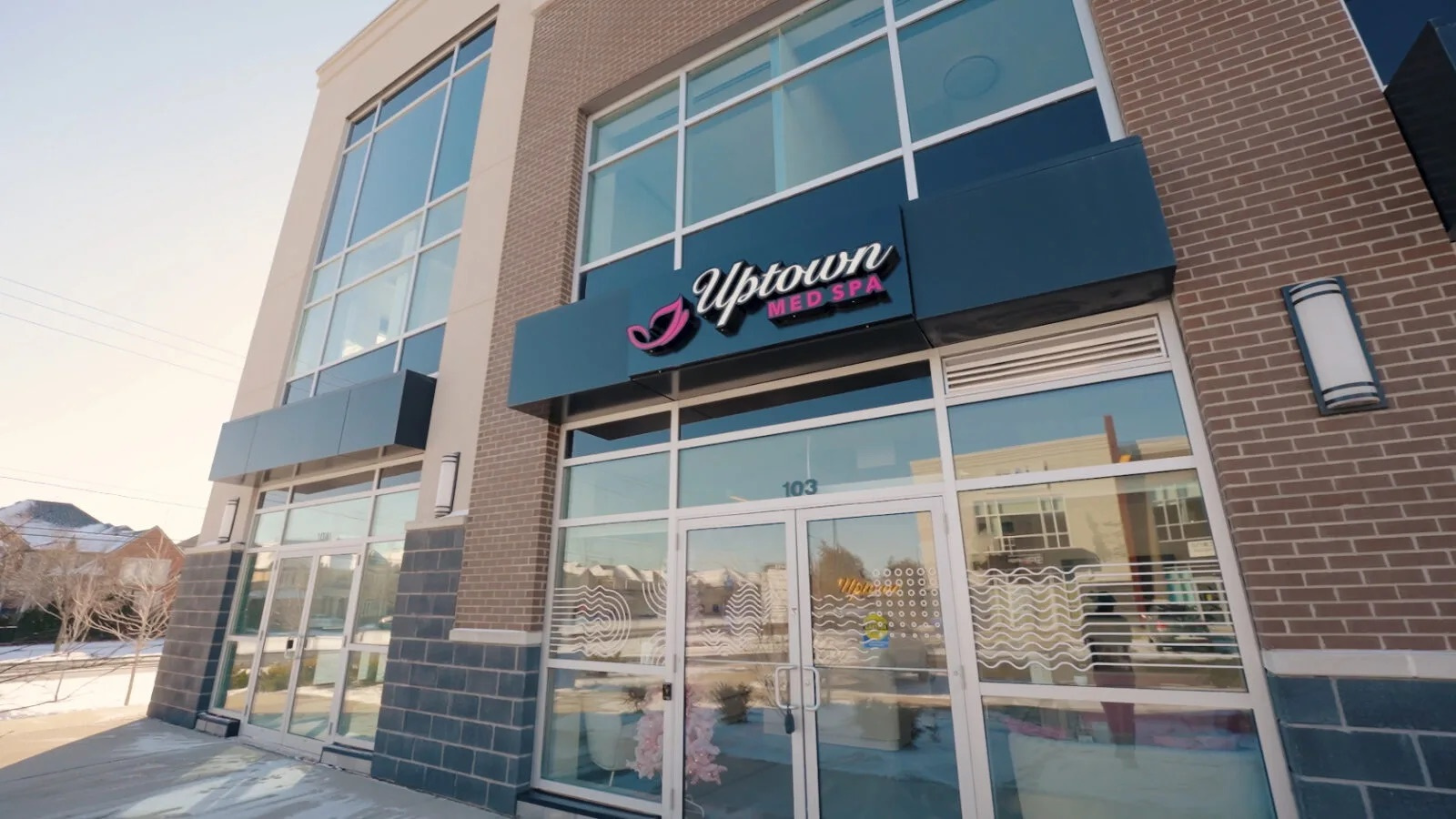 MEDICAL SPA · FRANCHISE PORTALUptown Med Spa Franchise Ordering Portal
5Order stages, submission to fulfillment
READ THE CASE STUDY →
 INDUSTRIAL INSPECTION · SAASNDT Pilot
12Connected workflow stages
READ THE CASE STUDY →