Screens your customers and staff get right on the first try.
UI and UX design is the work of making a screen obvious before anyone builds it. We watch how your customers or staff really use things, sketch simpler paths, and test clickable prototypes so you can judge the result with your own eyes.
Where screens trip people up, and how UI and UX design helps
People rarely tell you a screen is confusing. They stop, phone you or go back to paper. These are the quiet signals, and the design work behind each fix.
01
“Customers start our booking form, then give up halfway through.”
WHY IT HAPPENSForms usually gather what the business wants to know in the order staff think about it, which is rarely how a customer thinks about booking.
WHAT WE DOWe watch a handful of real customers try the form, note where they hesitate, cut fields that are not needed, reorder the steps and show progress, then test a clickable version before anything is rebuilt.
WHAT CHANGESFinishing a booking feels natural, and fewer people need a nudge from your staff.
02
“My staff avoid the new system and keep going back to paper.”
WHY IT HAPPENSNew systems are often designed around managers' reports, so the people entering the data get extra steps and no benefit for their trouble.
WHAT WE DOWe spend time beside your staff at their real workstations, map the steps they take in the order they take them, then design large, plainly labelled screens that suit a tablet in a packing shed as well as a desk.
WHAT CHANGESThe screens follow how your team already works, so the old workarounds fade away.
03
“I cannot tell if a redesign will be better until it is already built.”
WHY IT HAPPENSDesign reviews happen among colleagues who already know the product, so the first honest reaction from a real user comes after the money is spent.
WHAT WE DOWe turn sketches into a clickable prototype that behaves like the real thing, put it in front of your customers or staff, record where they stall, and revise it. Only then does anyone write code.
WHAT CHANGESYou see and try the design first, so the build starts with fewer unknowns.
04
“The same how-do-I questions keep coming in by phone and email.”
WHY IT HAPPENSRepeated questions usually mean a screen or label that made sense to its designers but never got tried on someone seeing it for the first time.
WHAT WE DOWe list the most common questions, trace each one to the screen that caused it, rewrite labels and error messages in plain words, and place help beside the field. We also check contrast, keyboard use and screen-reader labels.
WHAT CHANGESFewer how-do-I calls reach you, and people feel looked after instead of lost.
WHY IT MATTERS
A confusing screen costs you customers and support calls.
Behind most frustrated users is a design choice nobody tested. A booking form with too many fields, a portal menu that hides the one button staff need, an app that makes sense only to the person who built it. Each one turns into abandoned tasks, support calls and workarounds. UX design covers how a product flows, and UI design covers how it looks. Together they remove that friction.
We start small and cheap: talk to the people who will use it, sketch the journey, then test a clickable prototype before development starts. Changing a prototype is quick and inexpensive; changing finished software is not. The same studio can then build what we designed, or hand your own developers files they can work from.
SIGNS IT'S TIME FOR HELP
Staff need training to use your software
Customers abandon your booking or checkout
You are about to build an app
BENEFITS
UI and UX design benefits for web and app projects
How things look once the marketing is done right.
✓01
Problems found on paper
Mistakes show up in sketches and prototypes, where a fix takes minutes, instead of in finished software, where the same fix takes a developer days.
✓02
Less training needed
When each next step is obvious, new staff learn the system faster, and you spend less time writing manuals or answering the same question twice.
✓03
Trust at first glance
A tidy, consistent interface tells a visitor you take care of details, which matters when they are about to hand over a booking, a payment or personal information.
✓04
A kit developers can use
You receive organized design files, a style guide and reusable components, so your own developers, or ours, can build every screen without guessing at spacing or colour.
WHAT’S INCLUDED
From interviews to interface: UI and UX design deliverables
01Interviews with your customers and staff
02Maps of the screens and steps people take
03Sketches and wireframes you can react to
04Clickable prototypes tested with real users
05Final interface design for web and mobile
06A style guide and reusable component kit
07Accessibility checks for contrast, keyboard use and screen readers
TECHNOLOGY
The tools in our toolkit.
Figma
FigJam
Maze
Hotjar
Storybook
HOW YOU CAN WORK WITH US
01Fixed-scope projectScope, schedule and price set up front. Suits MVPs, websites and builds with clear requirements.
02Dedicated teamDevelopers, designers and testers join your team on a monthly arrangement.
03Support retainerRegular upkeep, upgrades and improvements, with response times agreed in advance.
“Our Google Ads campaigns were burning through budget with little to show for it. All In One Marketing Pro stepped in and completely revamped our strategy, targeting the right audience and optimizing our ads for conversions and our website also google map. Within three months, our cost per lead dropped by 65%, and our ROI improved significantly. They solved a problem we thought was unsolvable! Thank you so much Lovi and all in one marketing team”
Alissa Mandzuk-PowerClient review
★★★★★
“We had no real strategy for social media before, but after working with All In One Marketing Pro, our engagement skyrocketed! Our Instagram and Facebook pages grew by over 150%, and we’re now getting consistent leads directly from social media. Their content is top-notch, and they truly understand how to turn followers into customers.”
N KaurClient review
★★★★★
“All in One Marketing has played a crucial role in the growth of my cardiology practice. Their targeted strategies have greatly enhanced patient engagement through social media, and by the second month of running Google Ads, we began seeing a steady influx of new patients. They are highly professional and results-driven! Thank you”
Emma NClient review
Each review is quoted as the client wrote it. Results depend on your market, your budget and where you start.
With our teamWithout✓One connected team✕Several vendors✓A free audit, then a clear plan✕No starting numbers to compare to✓One account lead✕Rotating contacts✓Results reported every month✕Activity reports
UX is how a product works: the steps, the order of screens and whether a task makes sense. UI is how it looks: layout, colour, type and buttons. You need both. Good looks on a confusing flow still frustrate people, and a smart flow in a dated interface feels untrustworthy.
Not always in full. A small brochure site rarely needs interviews and prototypes, and our web design service already covers sensible layouts. UX work pays off when people complete tasks on your site or app, such as booking, ordering, logging in or submitting a form with several steps.
Projects start from $1,000 and hourly work is $50 to $99. A research sprint and prototype for one workflow is far smaller than a full design system for a large portal. After a discovery session we agree the scope in writing, and larger work arrives in stages with something to review every two weeks.
Yes. We deliver organized design files, a component kit and notes on how each screen behaves, so your developers can build without guessing. You can also have our team build it. Once the project is finished and paid, the designs belong to your business.



 COUNCIL / GOVERNMENTBC Blueberry Council
21MGlobal reach in five months
SEE THE FULL CASE STUDY →
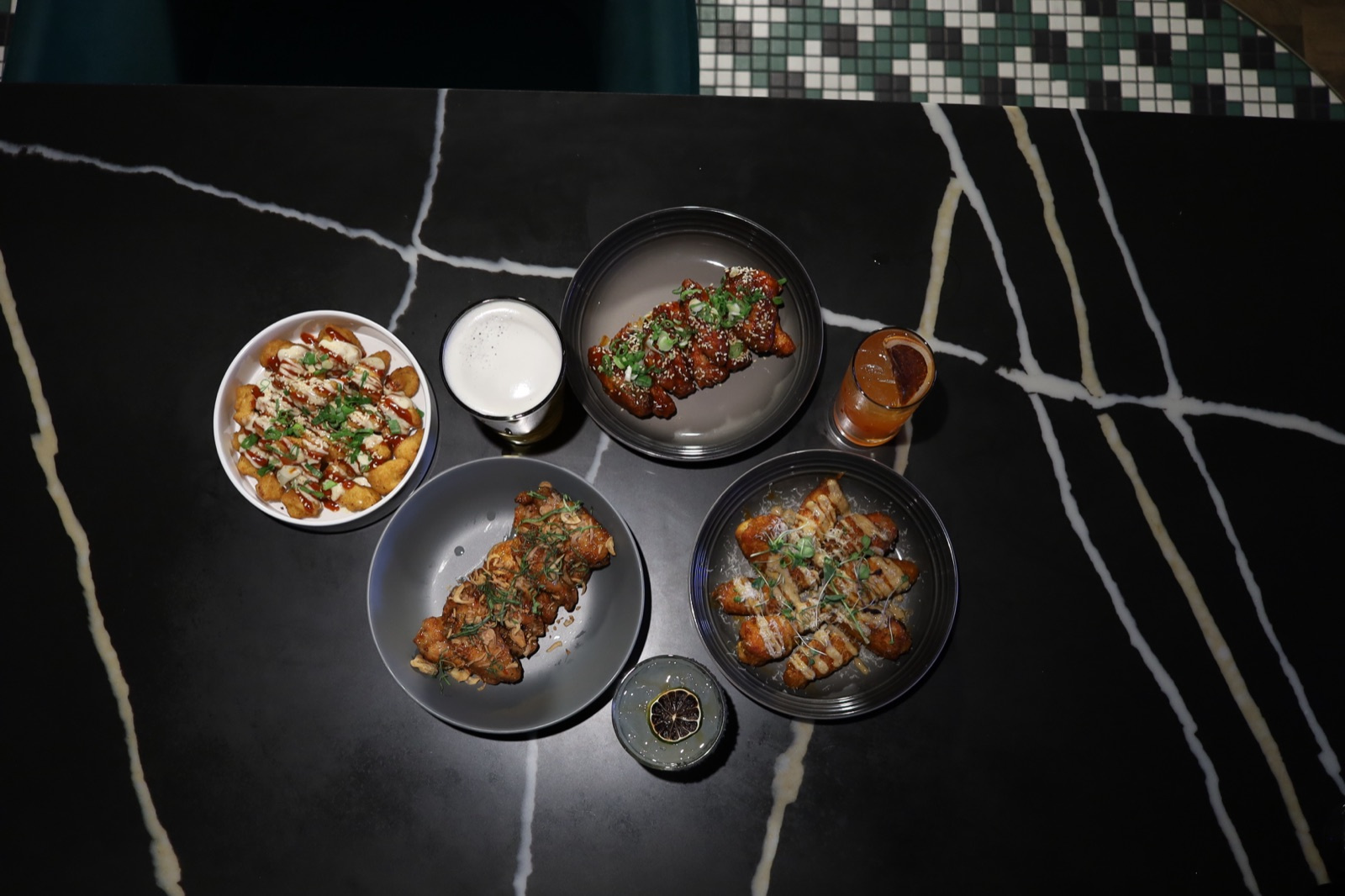 RESTAURANT & BARNight Owl Kitchen + Bar
$20,000Sales in eight hours at the Delta grand opening
SEE THE FULL CASE STUDY →
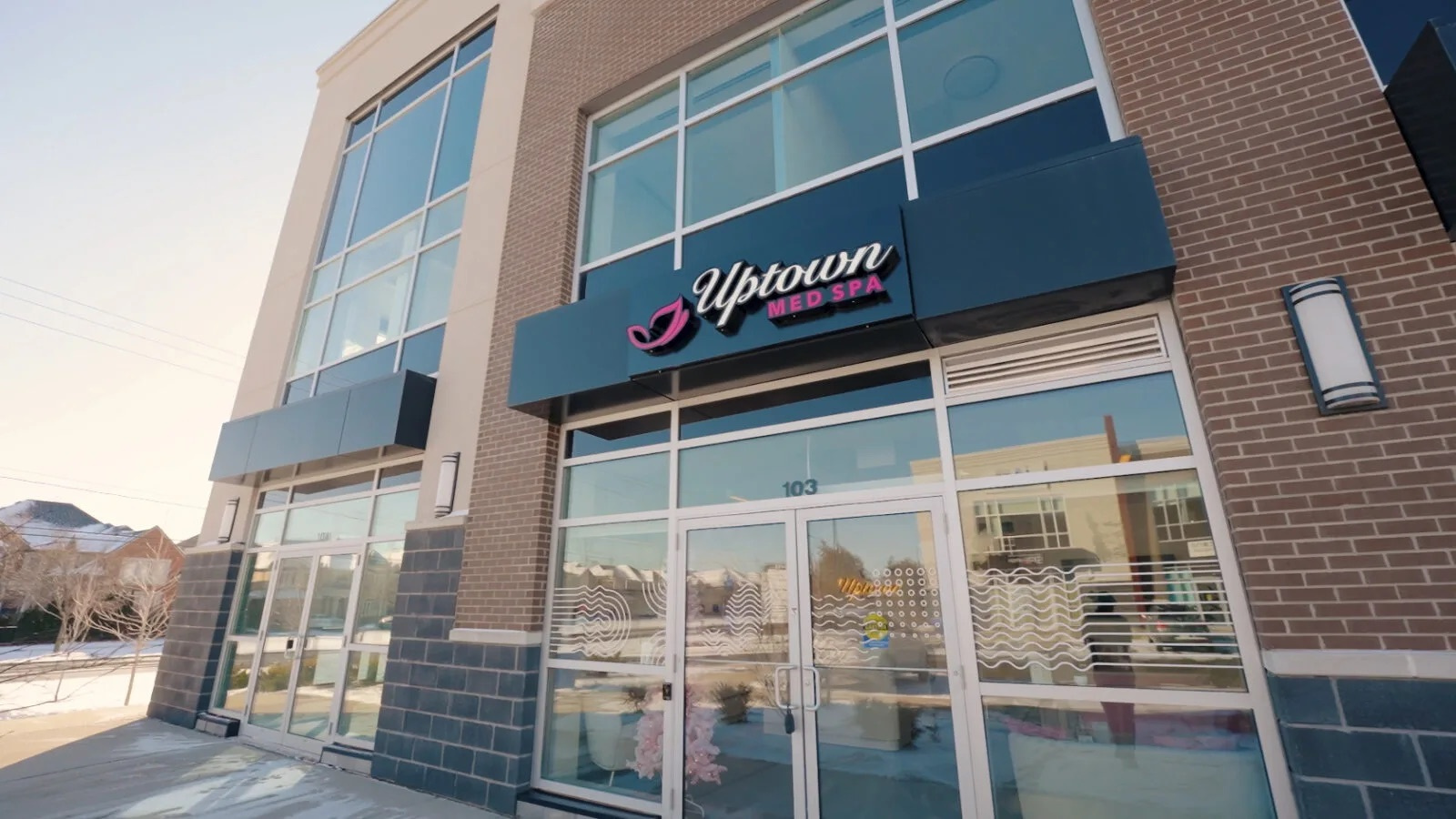 MEDICAL SPA · FRANCHISE PORTALUptown Med Spa Franchise Ordering Portal
5Order stages, submission to fulfillment
SEE THE FULL CASE STUDY →