An app that feels at home on the iPhone in your customer's hand.
iOS app development means building something that feels native on iPhone and iPad, and preparing it carefully for Apple's review. We plan the features, write the app in Swift, test with real users through TestFlight and handle the App Store submission with you.
iOS app worries, from App Store review to Apple Pay
Apple controls the review, the hardware and the look of iPhone apps, which shapes what owners worry about. Here are the common concerns and how we handle them.
01
“Apple's review feels like a black box and I can't afford a delayed launch.”
WHY IT HAPPENSApple tests each app against long guidelines, and rejections usually come from small mismatches between what the listing claims and what reviewers actually find.
WHAT WE DOWe write the app description, screenshots and privacy answers to match what the app really does, add a working demo login for the reviewer, and check each screen against Apple's guidelines before submitting. If Apple asks questions, we reply quickly.
WHAT CHANGESReview becomes a planned step with a calm timetable, not a cliff edge you hope to clear.
02
“Our customers give up when asked to type a card number and make a new password.”
WHY IT HAPPENSTyping on a small screen is slow and error-prone, so every extra field or new password gives a distracted person another reason to stop.
WHAT WE DOWe add Apple Pay for one-touch checkout, Sign in with Apple so nobody invents another password, and Face ID to protect saved accounts. Card details go straight to the payment provider rather than being stored by you.
WHAT CHANGESPaying and signing in take a glance and a touch, so fewer people give up halfway.
03
“I don't know what customer data we're allowed to collect, or how to say so.”
WHY IT HAPPENSApple asks for exact answers about data use, and the kits bundled inside an app may collect more than its owner ever realised.
WHAT WE DOWe list every piece of data the app touches and ask whether it is needed. Permission prompts get plain explanations, App Store privacy labels are filled in accurately, and sensitive details, like health information, stay out of the app unless you need them.
WHAT CHANGESYou know exactly what the app collects, and customers can read it in plain words.
04
“We use iPads at the counter, and most apps look stretched and awkward there.”
WHY IT HAPPENSMany apps are designed for phones and then simply enlarged, so buttons float in empty space and nothing takes advantage of the bigger screen.
WHAT WE DOWe design the layout once for iPhone and iPad together, with panels that rearrange for the bigger screen, landscape view and split-screen use. Staff can run a counter, a waiting room or a pop-up stall from one tablet.
WHAT CHANGESOne app looks right in a pocket and on a counter, with no extra project needed.
WHY IT MATTERS
Apple checks every app before your customers see it.
That review is useful if you plan for it and a delay if you do not. Apple looks at design quality, privacy wording, how you handle payments and what data you collect. We shape those decisions at the start, write the privacy details carefully and test on real iPhones, so the first submission is not an unpleasant surprise.
If your customers are mostly on iPhones, which your website analytics will usually show, a native app pays you back. Clinics and wellness studios, restaurants taking orders and tradespeople booking jobs from a truck all benefit from one-tap Apple Pay, Face ID sign-in and the smooth motion people expect. We design for iPhone and iPad together.
SIGNS IT'S TIME FOR HELP
Built to Apple's published guidelines
Beta tested through TestFlight first
Account and code stay in your name
BENEFITS
iOS app benefits for iPhone-first businesses
How things look once the marketing is done right.
✓01
Familiar to use
Standard gestures, type and navigation mean customers already know how the app works the first time they open it.
✓02
One-touch payment
Apple Pay and saved cards shorten checkout to a touch, and customers feel safer paying inside an app that uses Apple's own security.
✓03
Visible between visits
Notifications and home-screen widgets keep your business in front of customers between visits, such as appointment reminders or order updates.
✓04
Staged, tested releases
TestFlight lets chosen users try each version before the public, and phased release rolls an update out gradually so a problem is caught before it reaches everyone.
WHAT’S INCLUDED
What our iOS app development includes
01Feature planning around your iPhone-using customers
02Interface design that follows Apple's guidelines
03Native Swift and SwiftUI development
04Apple Pay and Sign in with Apple
05HealthKit connections for wellness and clinic apps
06TestFlight beta rounds with real users
07App Store submission, release notes and updates
TECHNOLOGY
The tools in our toolkit.
Swift
SwiftUI
Firebase
TestFlight
App Store Connect
HOW YOU CAN WORK WITH US
01Fixed-scope projectScope, schedule and price set up front. Suits MVPs, websites and builds with clear requirements.
02Dedicated teamDevelopers, designers and testers join your team on a monthly arrangement.
03Support retainerRegular upkeep, upgrades and improvements, with response times agreed in advance.
“Our Google Ads campaigns were burning through budget with little to show for it. All In One Marketing Pro stepped in and completely revamped our strategy, targeting the right audience and optimizing our ads for conversions and our website also google map. Within three months, our cost per lead dropped by 65%, and our ROI improved significantly. They solved a problem we thought was unsolvable! Thank you so much Lovi and all in one marketing team”
Alissa Mandzuk-PowerClient review
★★★★★
“We had no real strategy for social media before, but after working with All In One Marketing Pro, our engagement skyrocketed! Our Instagram and Facebook pages grew by over 150%, and we’re now getting consistent leads directly from social media. Their content is top-notch, and they truly understand how to turn followers into customers.”
N KaurClient review
★★★★★
“All in One Marketing has played a crucial role in the growth of my cardiology practice. Their targeted strategies have greatly enhanced patient engagement through social media, and by the second month of running Google Ads, we began seeing a steady influx of new patients. They are highly professional and results-driven! Thank you”
Emma NClient review
Each review is quoted as the client wrote it. Results depend on your market, your budget and where you start.
COMPARISON
iOS App Development, with our help or on your own.
With our teamWithout✓One connected team✕Several vendors✓A free audit, then a clear plan✕No starting numbers to compare to✓One account lead✕Rotating contacts✓Results reported every month✕Activity reports
It means designing and building an app that runs on iPhone, and often iPad, using Apple's own tools: Swift for the code and SwiftUI for the screens. The work covers planning, design, testing, App Store submission and later updates, with Apple's rules in mind throughout.
Cost follows features, integrations and back-end needs, not a flat rate. Our projects start from $1,000, and hourly work is $50 to $99. For anything larger we scope in stages and give you a firm number for the first stage before design begins.
No one can promise approval, and we will not pretend otherwise. What we can do is reduce the risk: we follow Apple's design and privacy guidelines, explain your data use clearly, test thoroughly and handle the submission. If Apple asks for changes, we fix and resubmit.
Not necessarily. If most customers use iPhone, launch there first and learn. When Android users start asking, you can add an Android version later, and much of the planning, design and back-end work carries over.



 COUNCIL / GOVERNMENTBC Blueberry Council
21MGlobal reach in five months
SEE THE FULL CASE STUDY →
 RESTAURANT & BARNight Owl Kitchen + Bar
$20,000Sales in eight hours at the Delta grand opening
SEE THE FULL CASE STUDY →
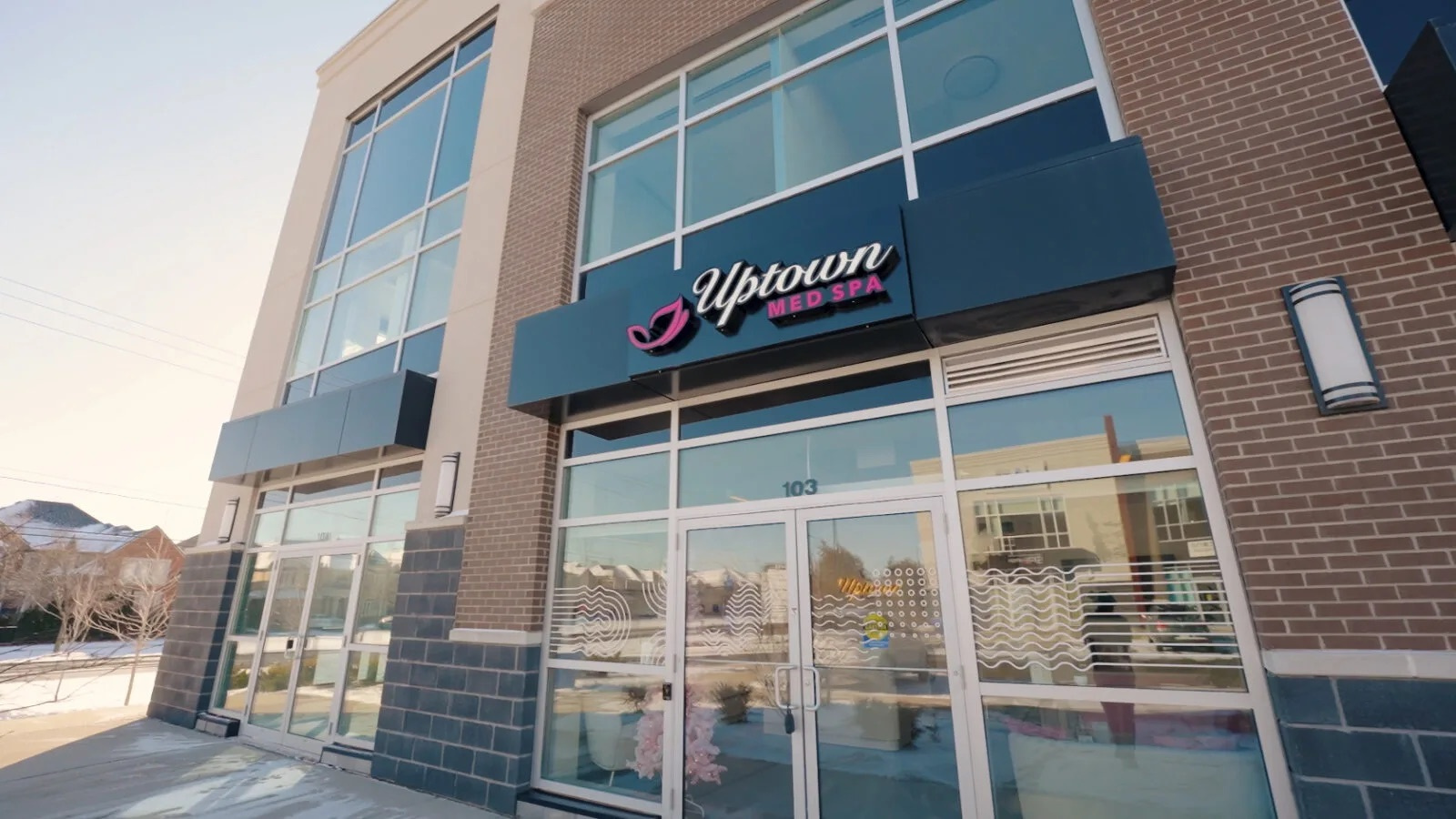 MEDICAL SPA · FRANCHISE PORTALUptown Med Spa Franchise Ordering Portal
5Order stages, submission to fulfillment
SEE THE FULL CASE STUDY →